Back to all modes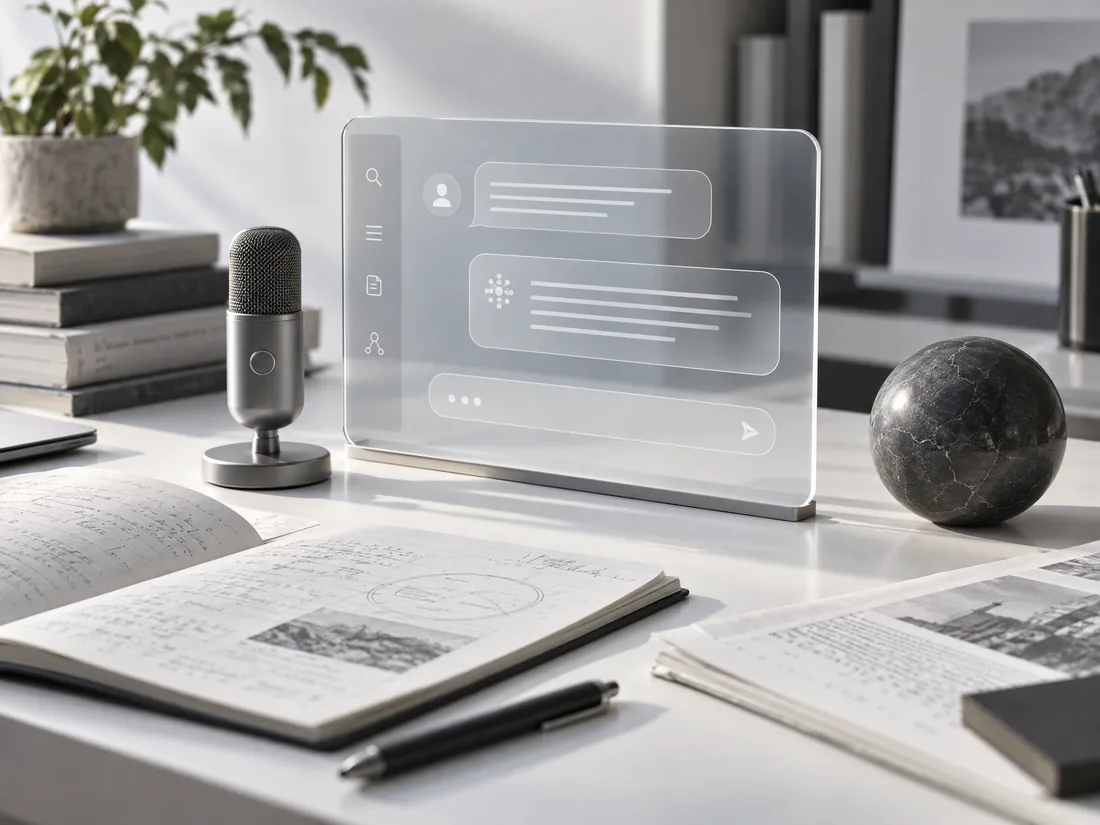
01 / Chat · Everyday intelligence
Think out loud. Get a better answer.
A focused conversation space for questions, research, files, voice, and model comparison—keeping your context and decisions together from the first prompt to the final answer.
Open ChatChat workspaceNeursenAI
What you can do
Everything for Chat, in one focused workspace.
- Switch between available text and voice models without losing the conversation.
- Attach PDFs, spreadsheets, screenshots, and images when an answer needs evidence.
- Compare responses from multiple models side by side, then continue with the strongest direction.
- Use Auto model selection to route a request to a suitable model and see what was selected.
- Speak a prompt when voice is faster than typing, and review the resulting transcript.
- Search, revisit, rename, and organize saved conversations from chat history.
- Keep the active model, attachments, and conversation context close while responses stream in.
- See model rates and usage in the same workspace, with one allowance across your plan.
A simple flow
From first thought to finished work.
- 01
Choose how to ask
Select a model, use Auto, compare models, or start with voice.
- 02
Bring the context
Write a prompt and attach relevant documents or images.
- 03
Refine the answer
Review the response, continue the thread, and return to it later.