Back to all modes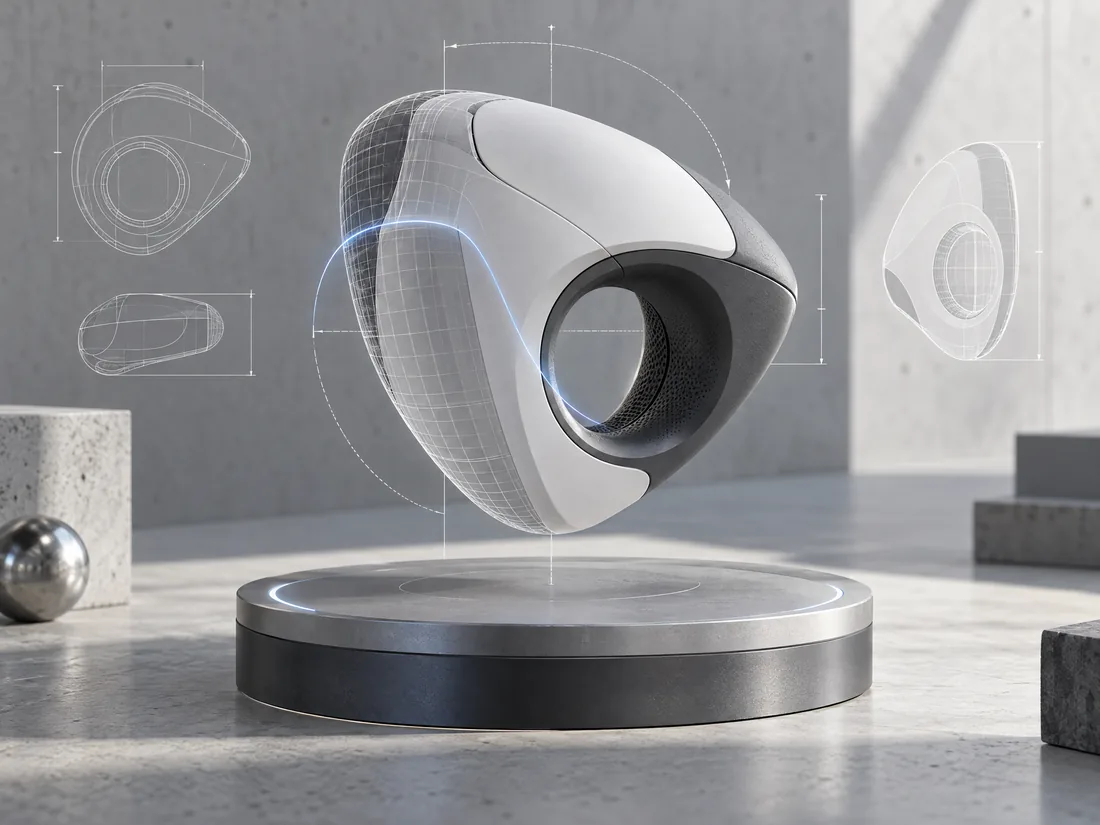
04 / 3D Design · Asset creation
Move from an idea to a usable 3D asset.
Start from a written concept, one reference image, multiple views, or a spoken brief. Review the prompt, create a 3D asset, then refine and download it for the tools your project already uses.
Open 3D Design3D Design workspaceNeursenAI
What you can do
Everything for 3D Design, in one focused workspace.
- Create a mesh preview from a text description, then refine the result.
- Start from one reference image or use multiple views for broader object coverage.
- Record a voice brief, review the transcription, and edit the prompt before generation.
- Choose supported texture and PBR options when refining an asset.
- Track the generation task and review its progress in the workspace.
- Download common production formats including GLB, FBX, OBJ, USDZ, and STL.
- Keep model ownership checks and signed downloads within the account workflow.
- Review the brief and available options before spending generation credits.
A simple flow
From first thought to finished work.
- 01
Describe or reference
Write a concept, add images, or speak and review the brief.
- 02
Create the asset
Choose supported settings and start the 3D generation task.
- 03
Refine and export
Review progress, adjust the result, and download a supported format.